Roster
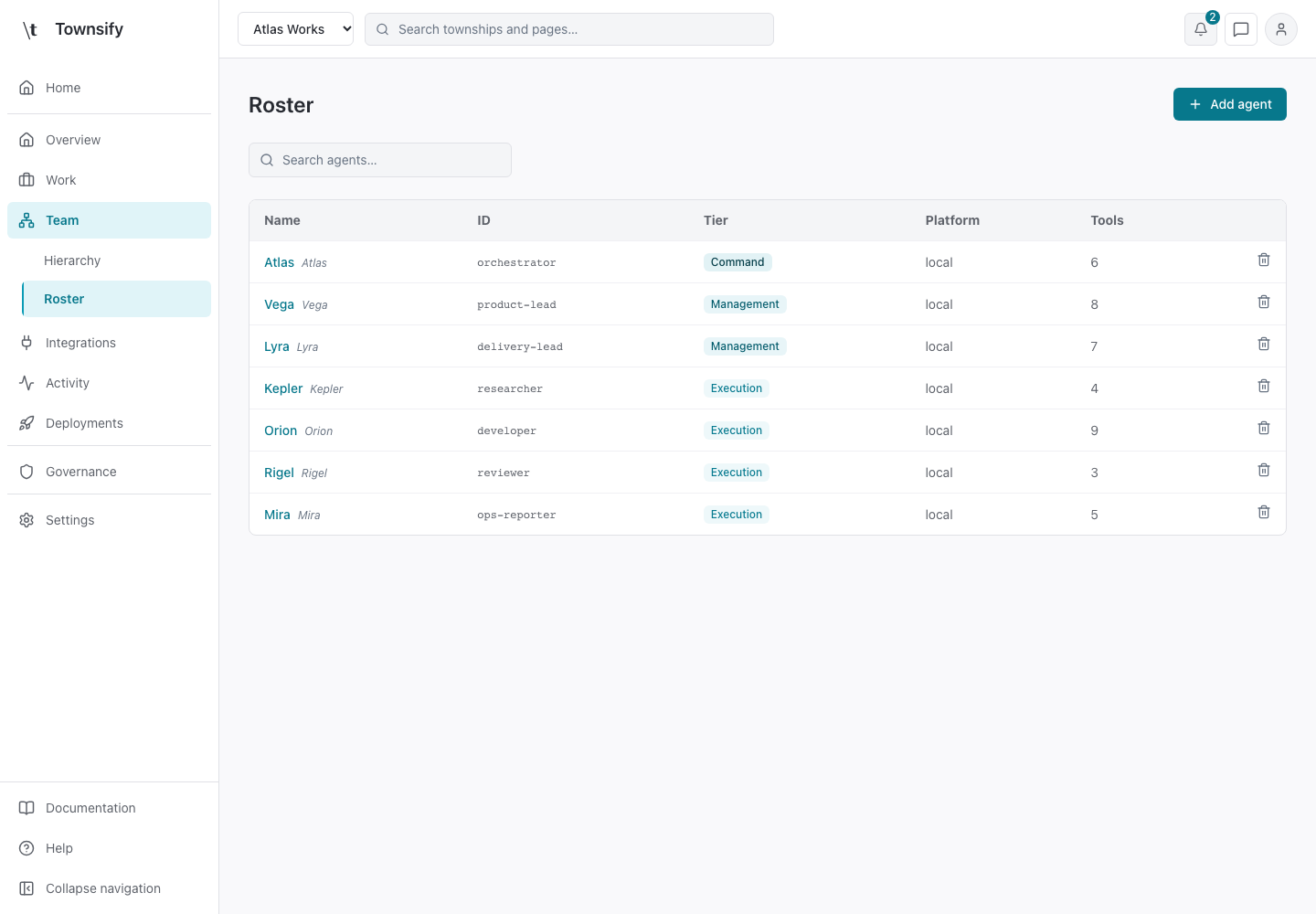
Roster is the township's agent list. It shows names, stable IDs, tiers, runtime labels and tool counts in a searchable table.
- Console address
/townships/ :townshipId/ team/ agents - Console section
- Township · Team
- Reviewed
- 14 October 2026
Controls and behaviour
Search matches name, display name and ID. Agent links open the workspace. Add agent opens creation. Delete asks for confirmation before removing the selected agent.
Access and limits
Roster always uses list view, including browsers with an old graph preference. The chart remains in Hierarchy. A tool count is a count of configured grants, not evidence that every provider credential is valid.
Related API endpoints
Console addresses and API addresses are different. These endpoints use authenticated console access and server-side authorisation.
/api/profiles/{profileId}/agentsAgent summaries from township definitions.
Related pages
Need more help?
Open Mysaria from the console header to ask about the page you're on, or send work to an agent in your township.