Mysaria and township chat
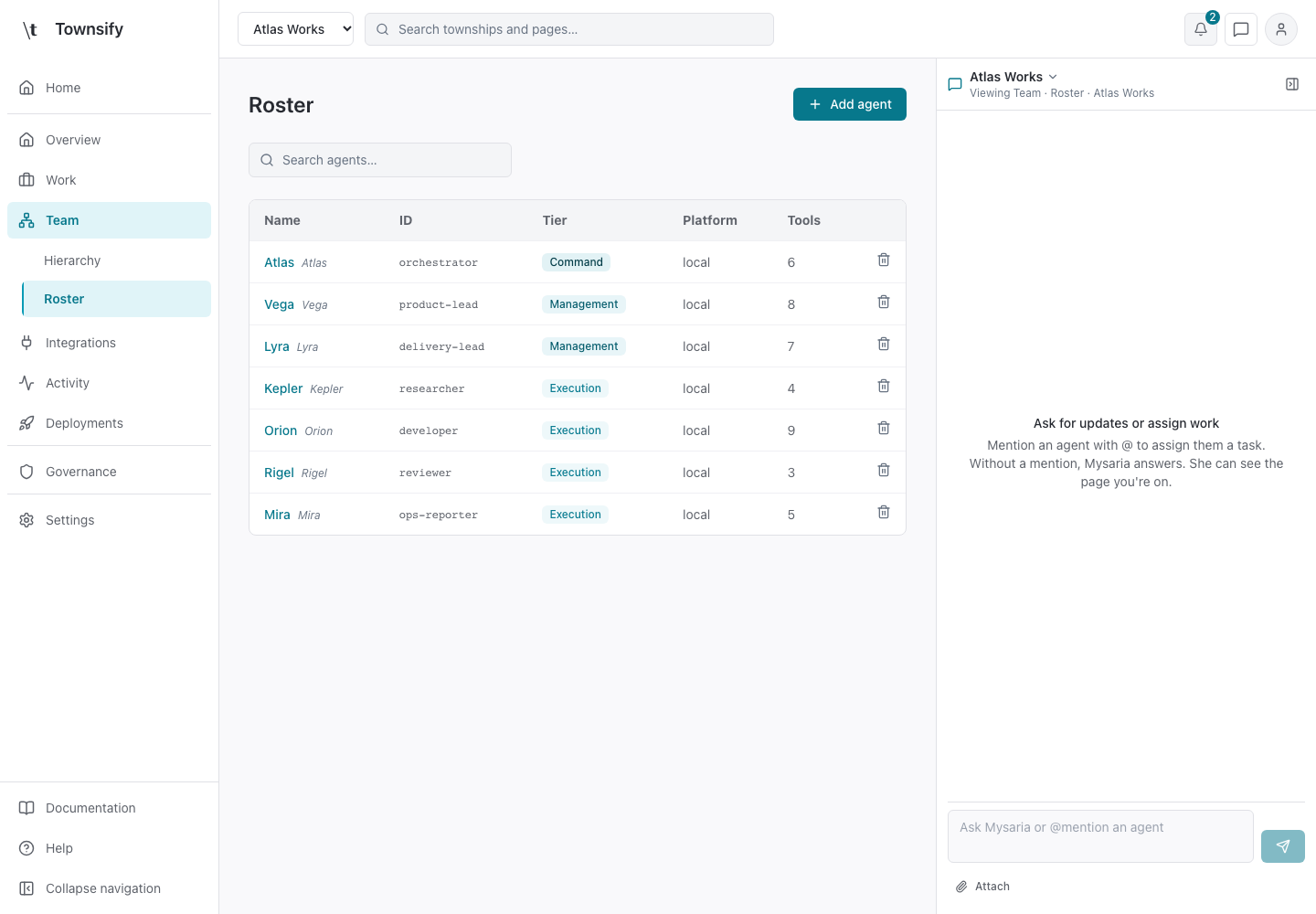
Open Mysaria from the header to ask about the current page or send work to an agent in a township.
- Console section
- Account and chat
- Reviewed
- 14 October 2026
On this page
Controls and behaviour
The drawer shows the selected township and the page being viewed. Use the township picker to change context. Type @ and choose an agent to assign a task; an unmentioned message goes to Mysaria. The composer supports attachments and model selection. Close chat restores the full page width.
Access and limits
The selected township determines the conversation and available agents. Model availability and permissions still apply. Review any proposed action or consent request before approving it; a chat reply alone is not evidence that an external change succeeded.
Need more help?
Open Mysaria from the console header to ask about the page you're on, or send work to an agent in your township.