Connection
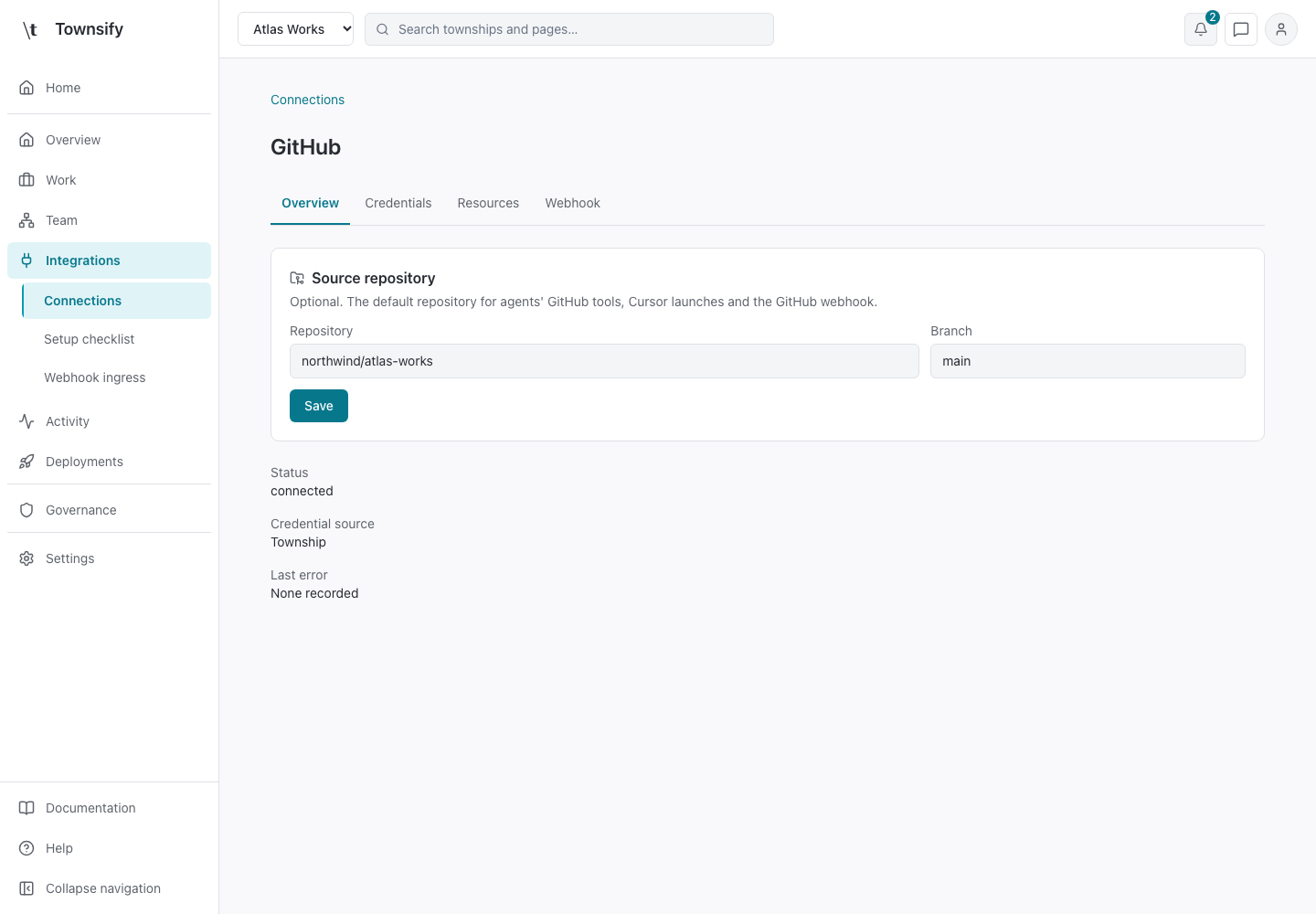
Connection detail shows one selected service. Overview contains its status and credential source; Credentials and Resources configure authentication and allowed targets.
- Console address
/townships/ :townshipId/ integrations/ connections/ :connectionId/ :section - Console section
- Township · Integrations
- Reviewed
- 14 October 2026
Controls and behaviour
Provider-specific forms expose only that provider's fields. Test checks connectivity. The GitHub overview also contains optional repository defaults, while its Webhook section configures routing. Connector services use their declared authentication and scope controls.
Access and limits
A valid connection is only one part of access. An agent still needs a grant and compatible permission. Changing a credential can make an authorised provider-bound mission stale, requiring another authorisation.
Field reference
| Field or state | Value | Meaning |
|---|---|---|
| Overview | Connection state | Status, credential source and last error. GitHub also has optional repository defaults. |
| Credentials | Provider form | Stores encrypted credentials. Test can contact the provider. |
| Resources | Resource scope | Restricts targets where supported. |
| Webhook | Provider section | Shown for supported services. Routing and authentication are explicit configuration. |
Related pages
Need more help?
Open Mysaria from the console header to ask about the page you're on, or send work to an agent in your township.