Agent configuration sections
Profile, reporting, tools, triggers, actions, communications and budget fields.
- Console address
/townships/ :townshipId/ team/ agents/ :agentId/ configuration/ :section - Console section
- Township · Team
- Reviewed
- 14 October 2026
Each section edits part of the same agent definition. Fields and YAML remain alternate editing modes. Save records the definition, and deployment makes changed behaviour live where required.
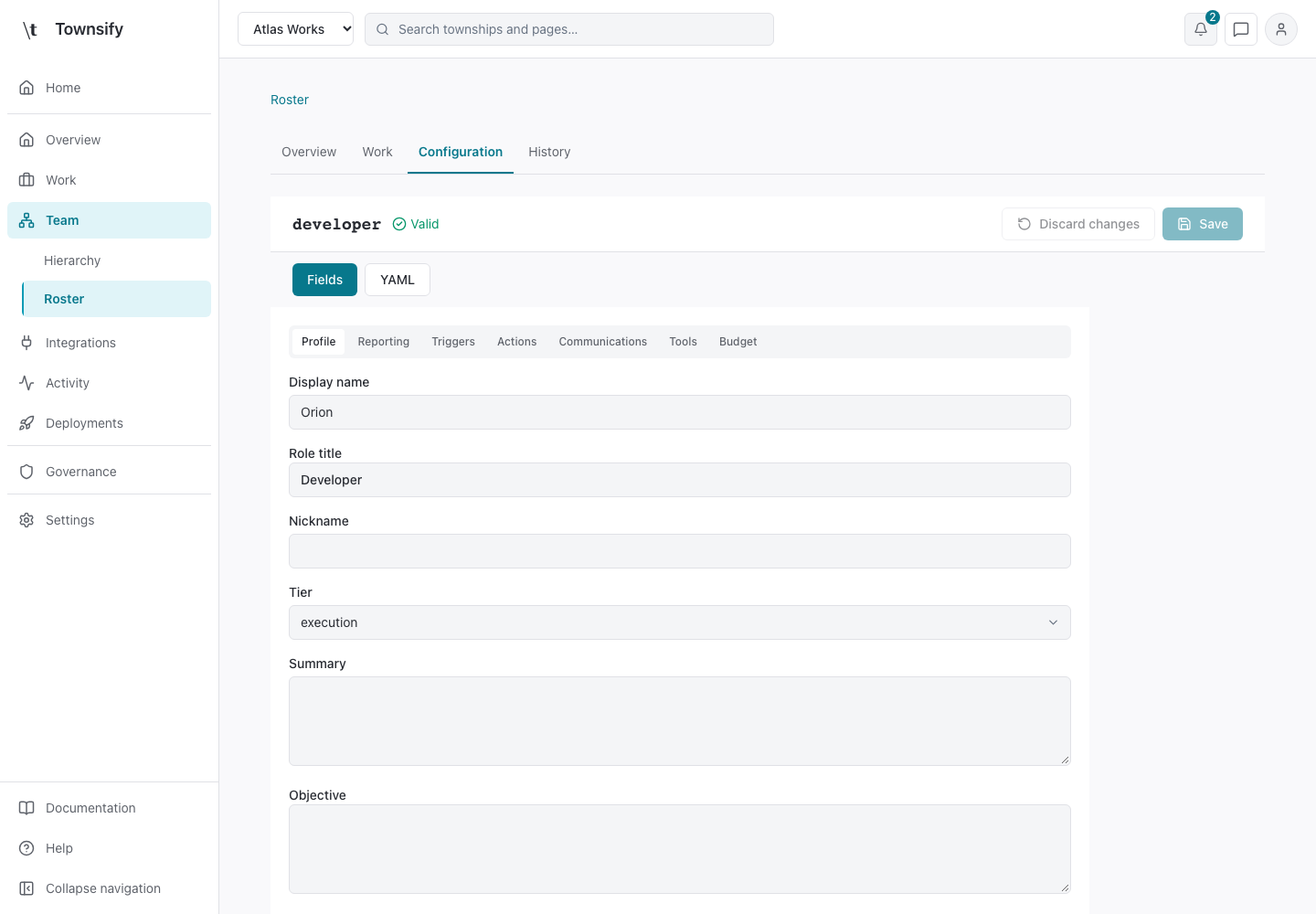
Profile
Identity, display name and responsibilities define the agent's role. The stable ID remains the key for tasks and stored definitions.
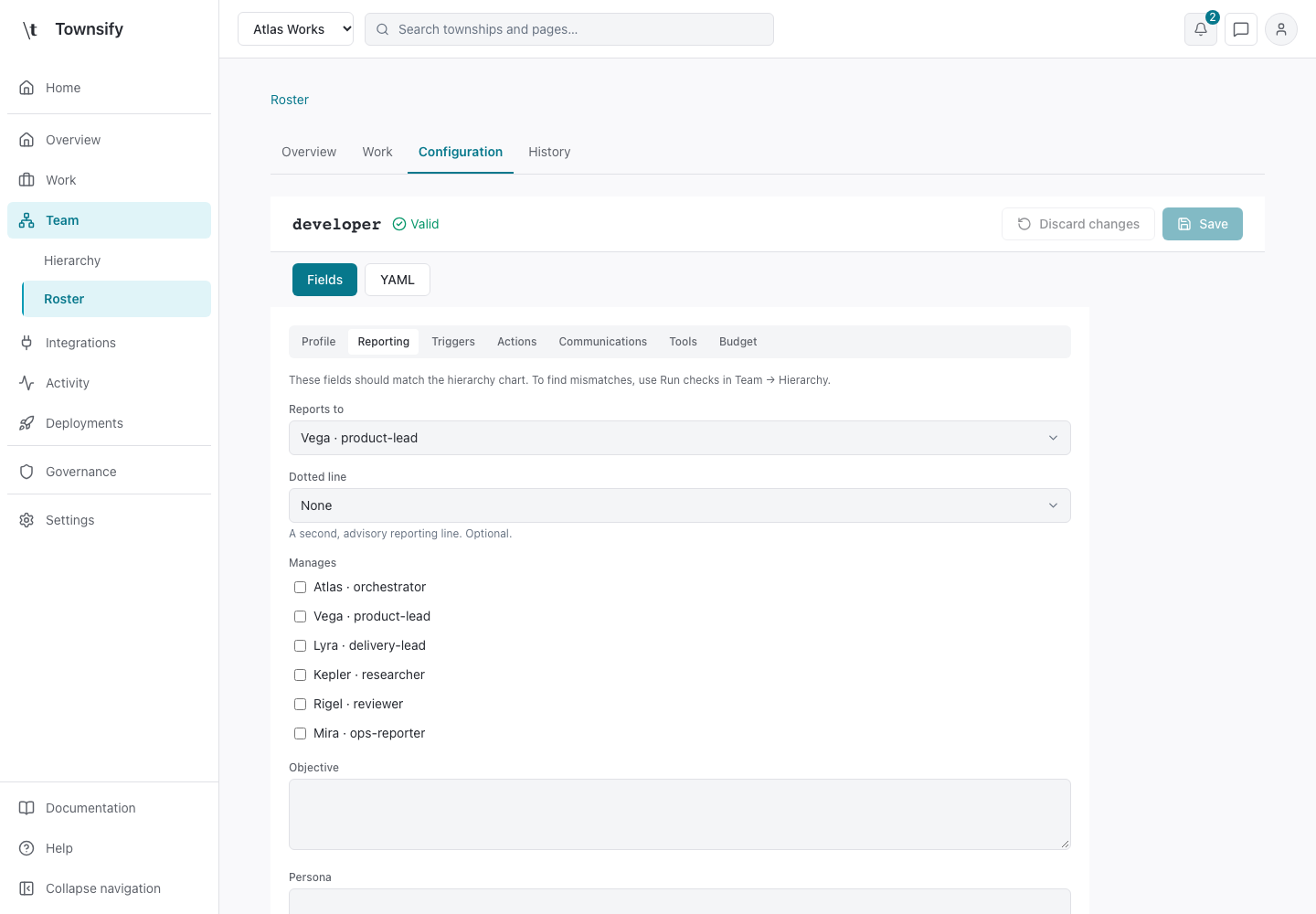
Reporting
Reports to and manages identify relationships with other agents. Run checks in Team → Hierarchy to compare those fields with the hierarchy.
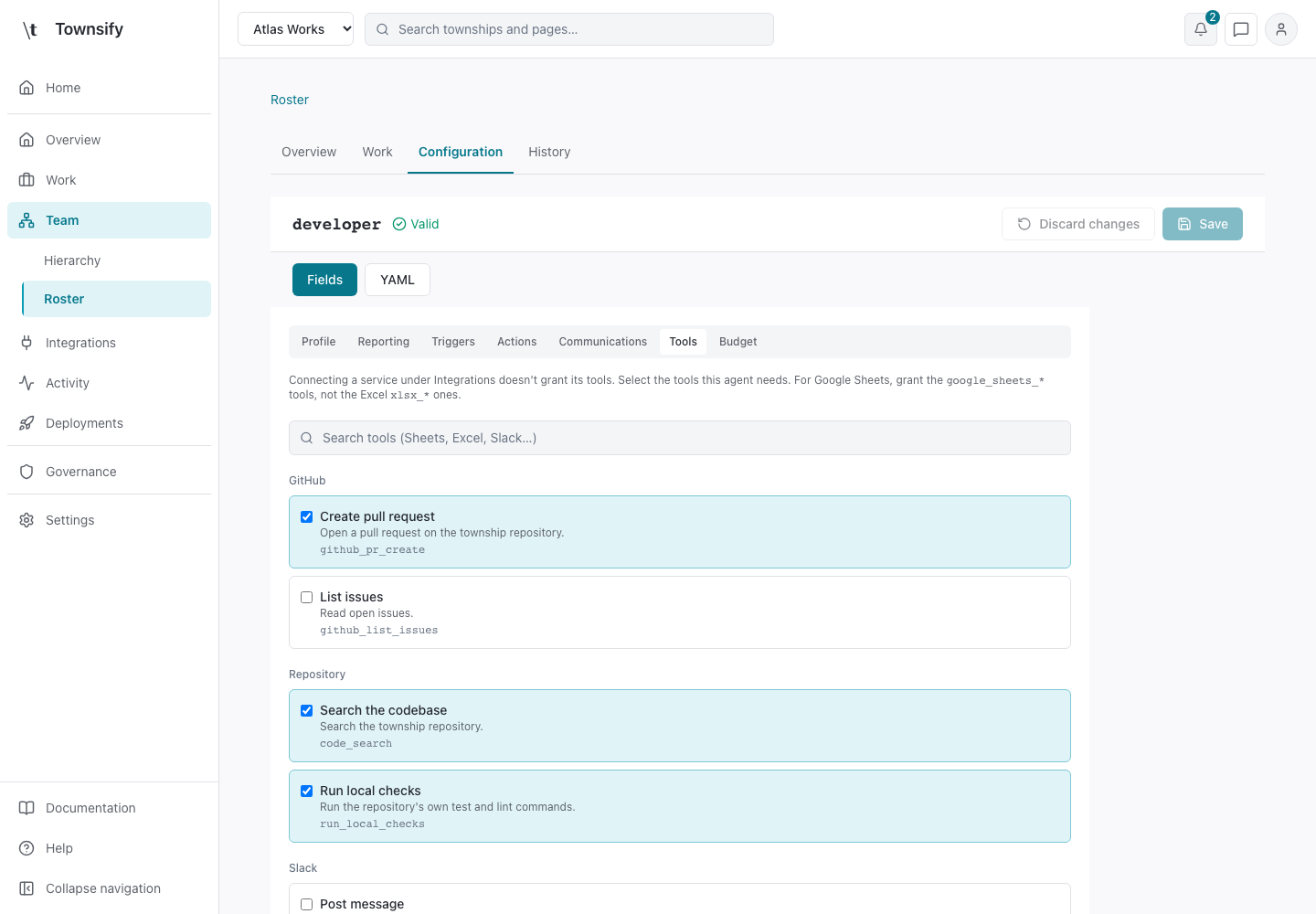
Tools
Grants select tools and tool_config sets their permissions and provider-specific options. A grant does not create a provider credential. Credentials belong in Connections.
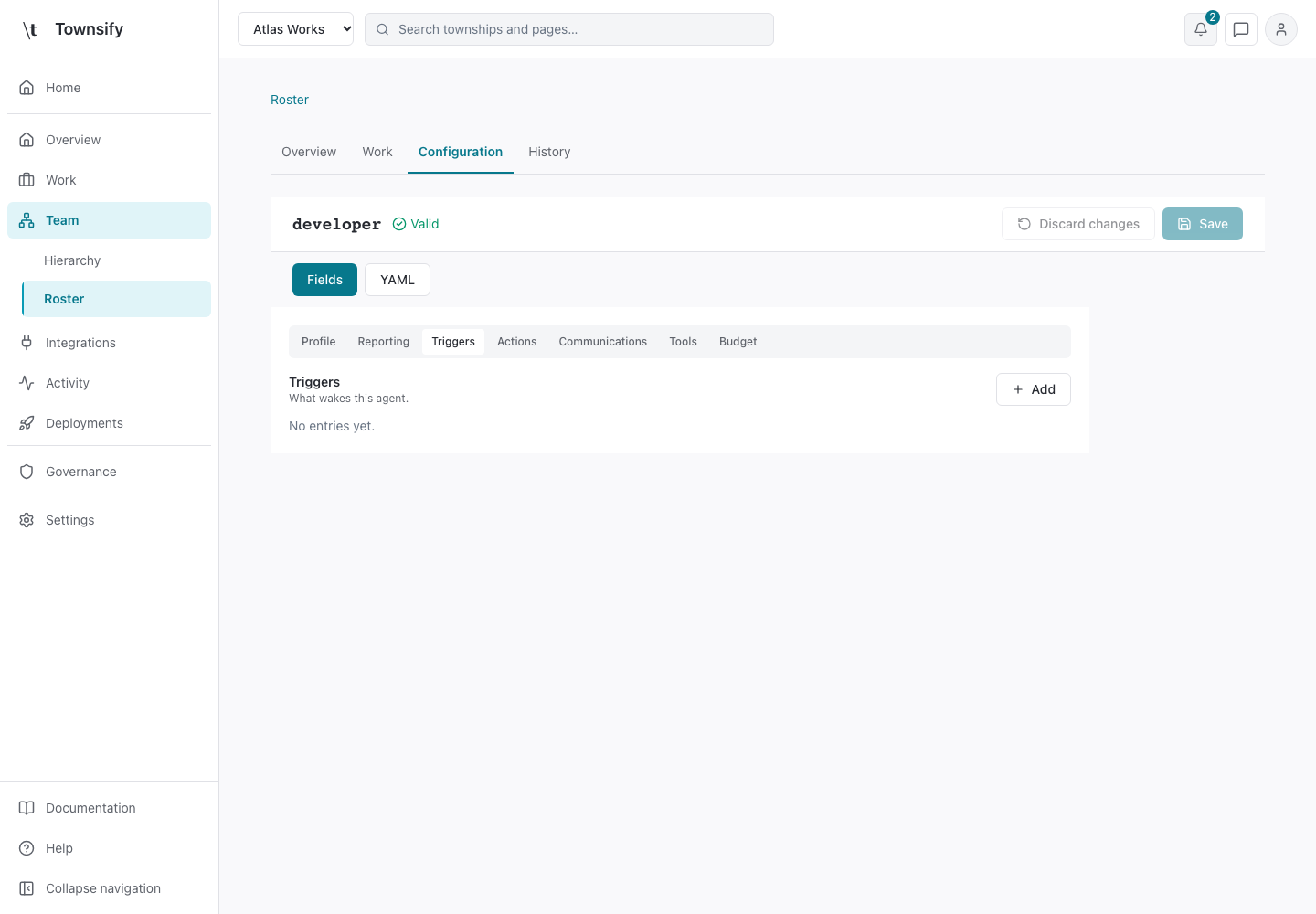
Triggers
Triggers wake an agent from a schedule, event or supported delivery. A paused agent or township suppresses triggering as well as task consumption.
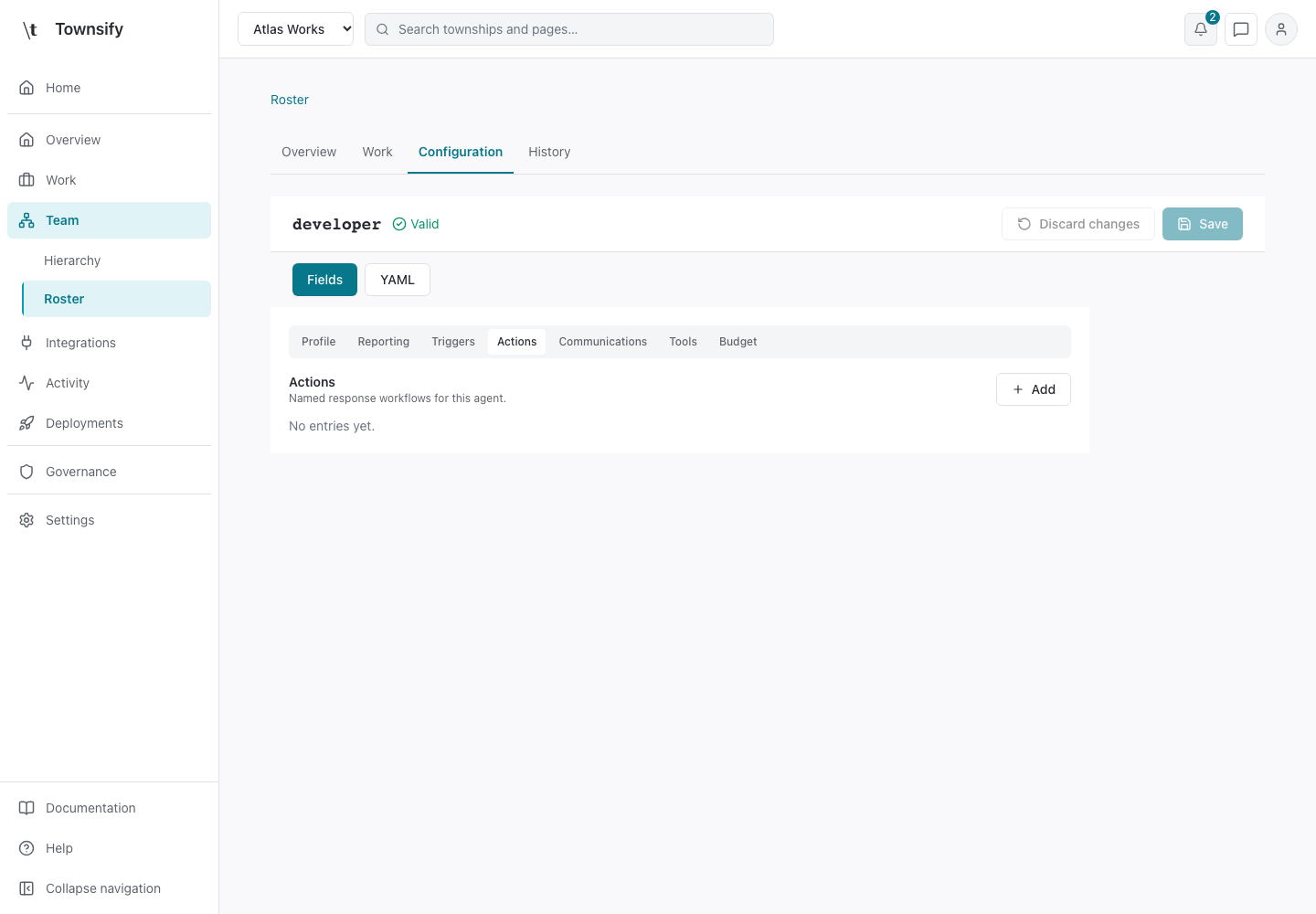
Actions
Action steps configure follow-up work after a matched trigger. They run asynchronously after event work is recorded. Provider failure does not erase accepted ingress work.
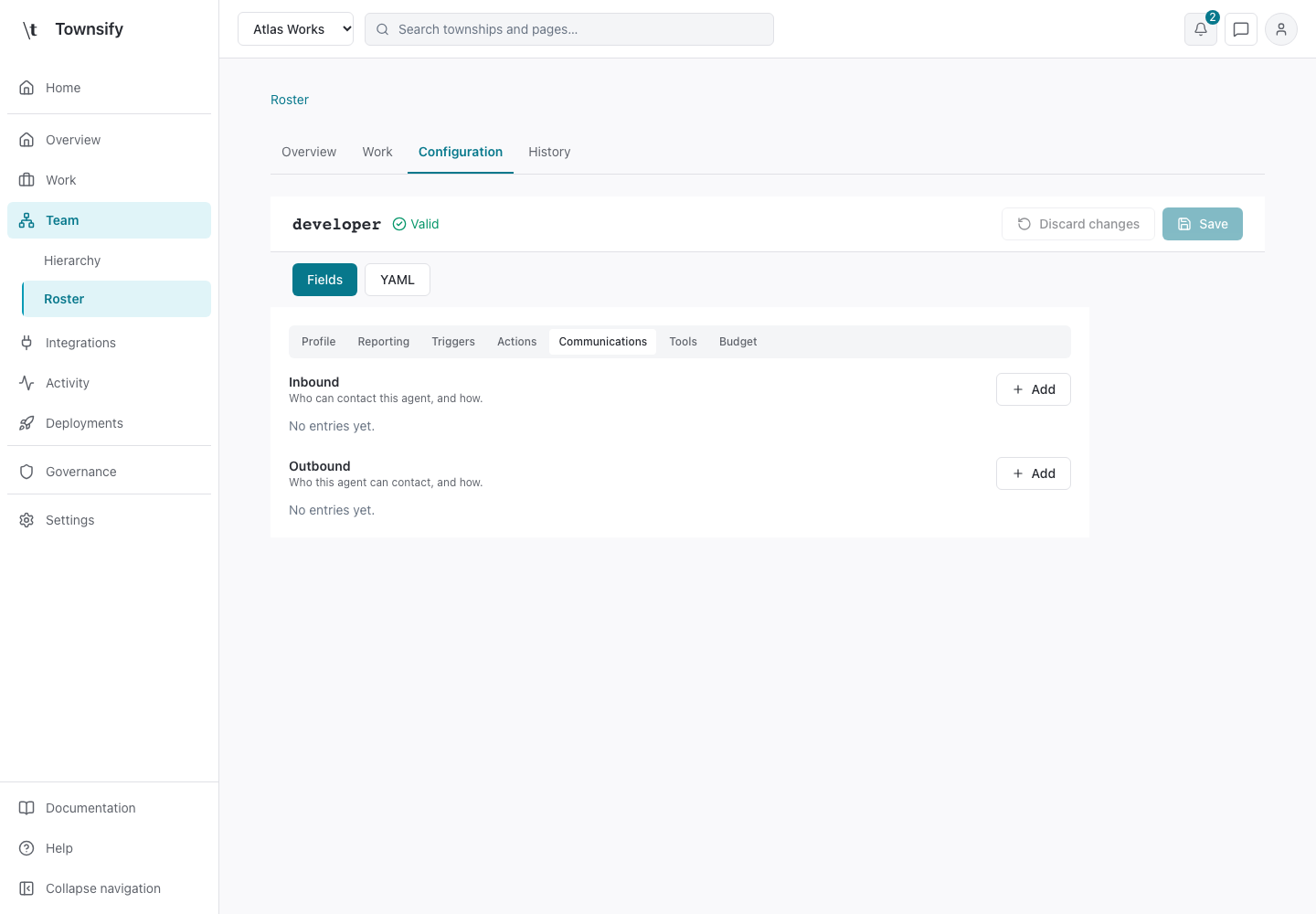
Communications
Communications defines how the agent receives and routes supported messages. A provider channel is optional and needs its own configured connection.
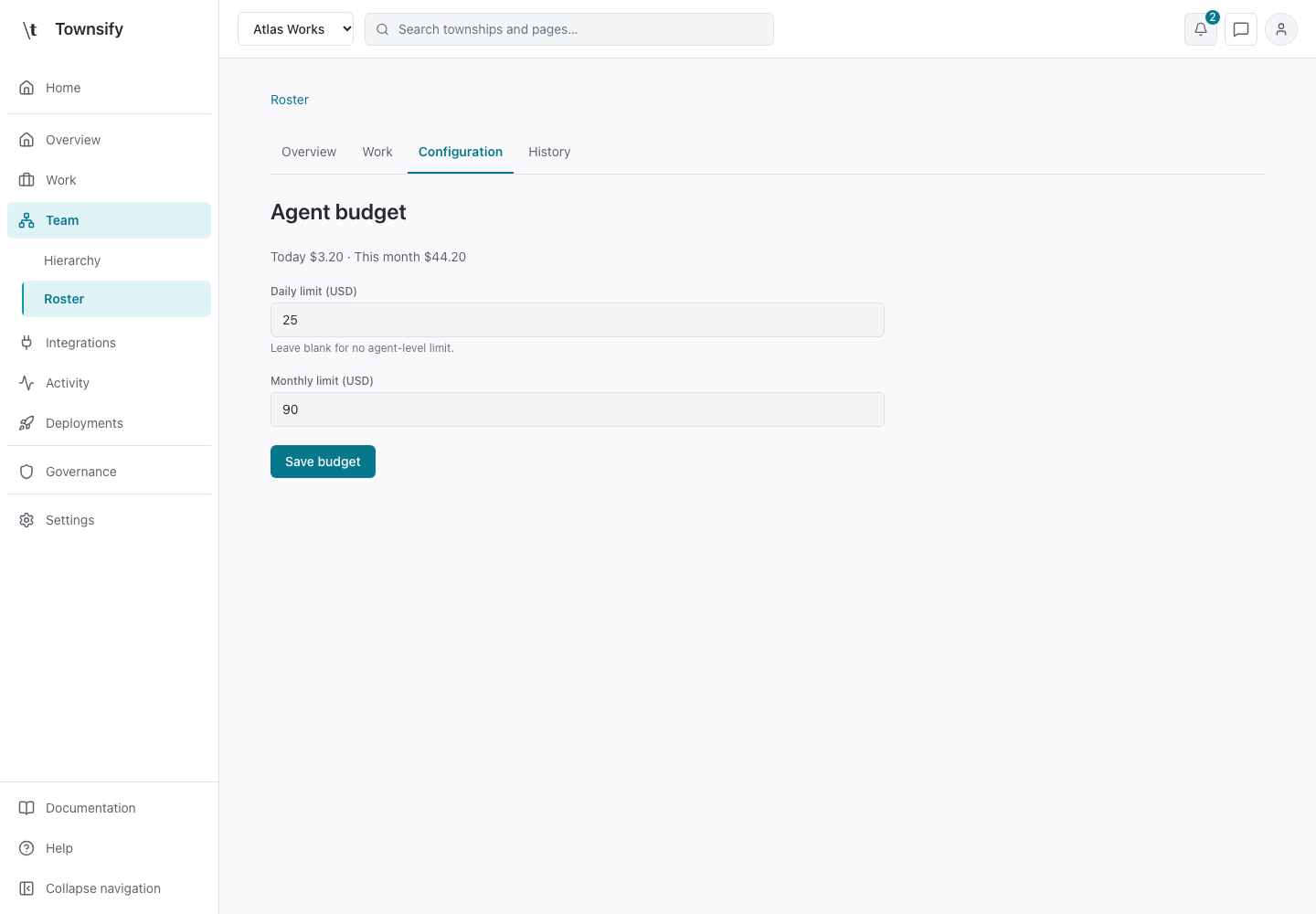
Budget
Agent limits can restrict daily and monthly spend. Blank values remove an agent-level limit, while organisation and mission limits can still apply.
Related pages
Need more help?
Open Mysaria from the console header to ask about the page you're on, or send work to an agent in your township.