Set a new password
Open the reset link from your email to choose a replacement password.
- Console address
/reset-password - Console section
- Account and chat
- Reviewed
- 14 October 2026
On this page
Controls and behaviour
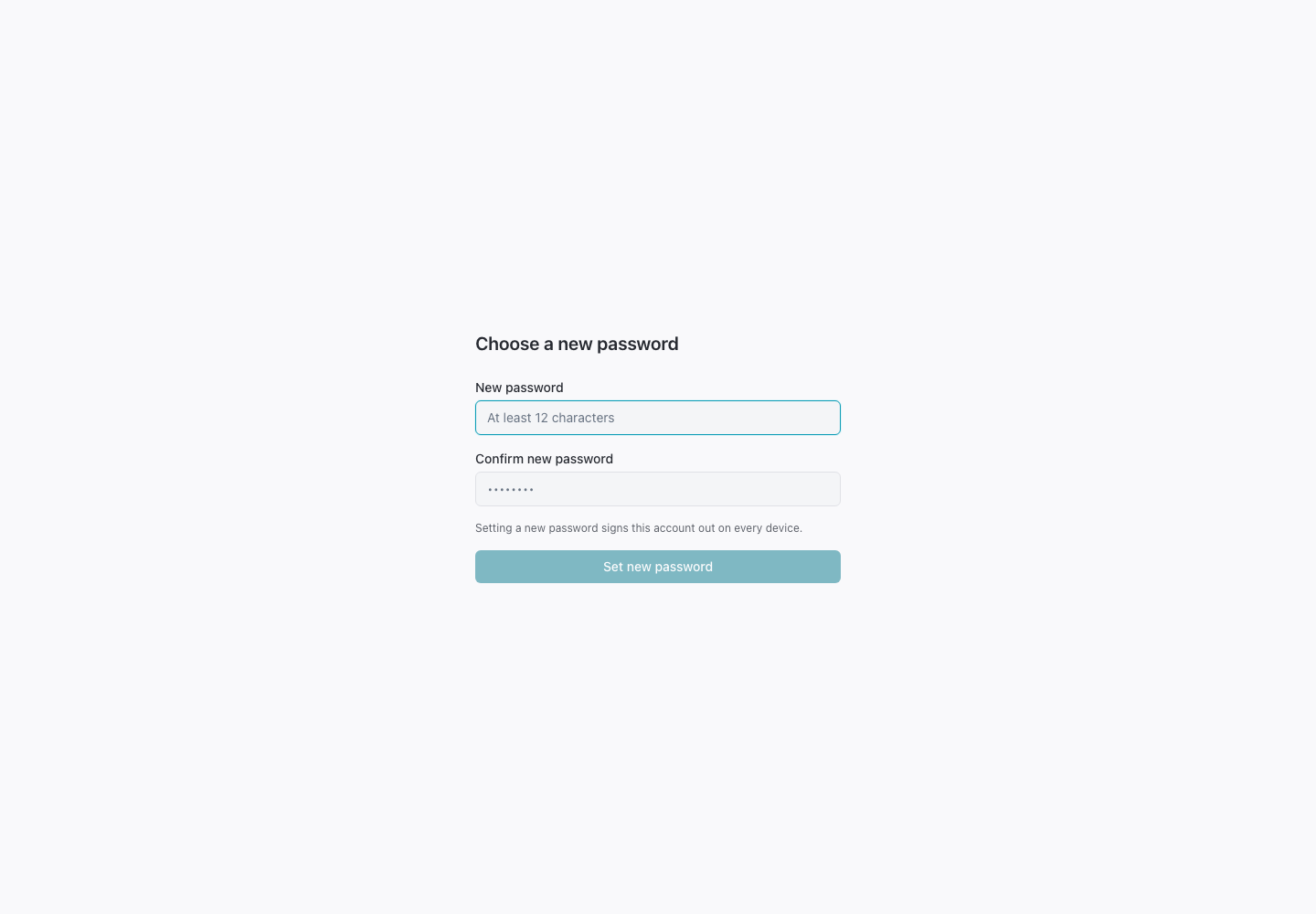
Enter a password of at least 12 characters and repeat it. The form reports a mismatch. Set new password submits the link token and password; after success, sign in again.
Access and limits
The link needs its token parameter. An incomplete link offers a new reset request. Expired, spent or invalid links cannot reset the password. A successful reset signs the account out on every device.
Need more help?
Open Mysaria from the console header to ask about the page you're on, or send work to an agent in your township.