Create a township without project integrations
Set up agents, reporting lines and tools from a brief. No repository or project tool is needed.
On this page
Start a new township
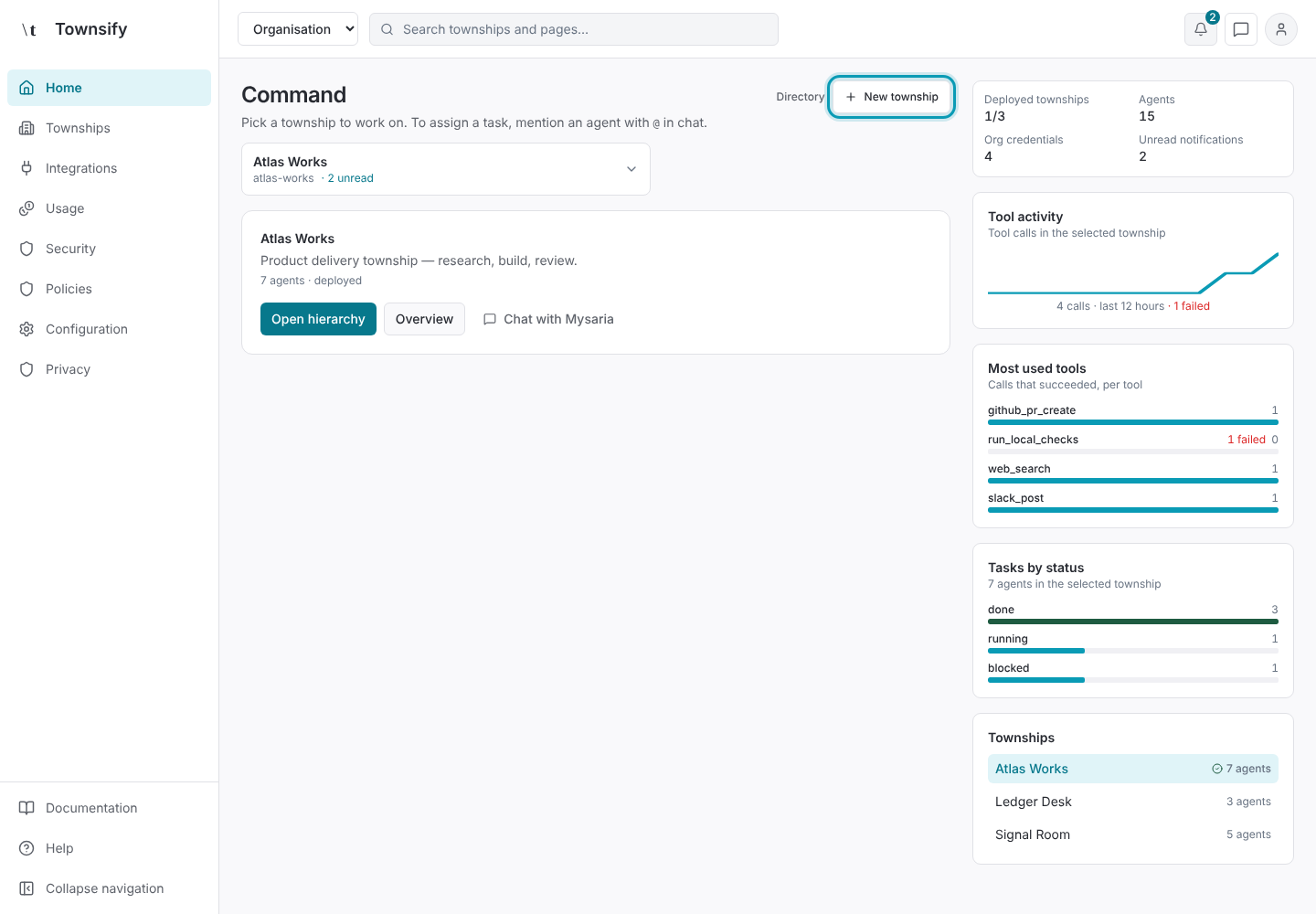
Open Home and select New township.
Illustrative dataHome, with New township outlined. Name the work
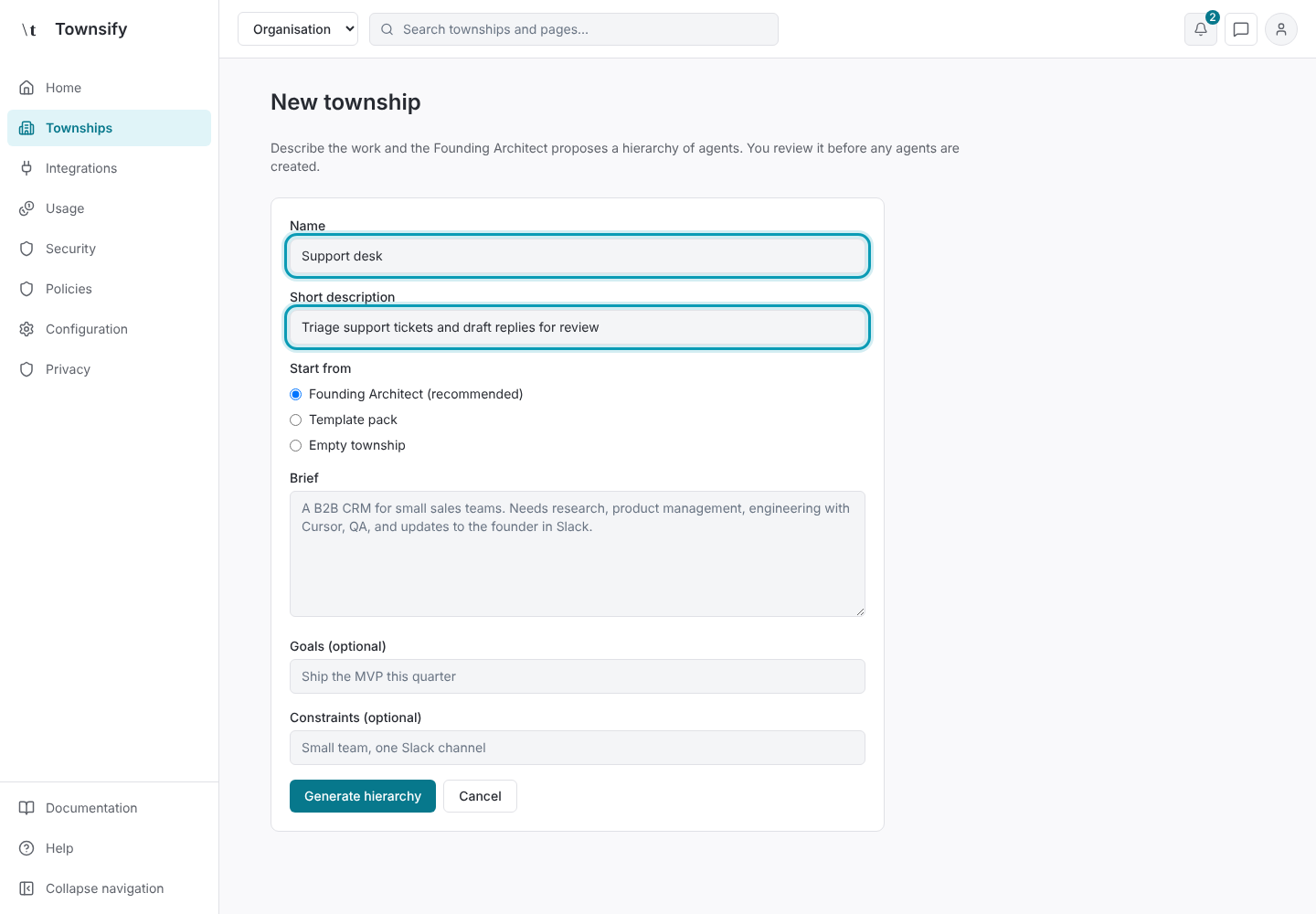
Enter a name and description for the work. For example, describe a support queue or a research brief rather than supplying a repository.
Illustrative dataA support desk township, named and described. Write the brief
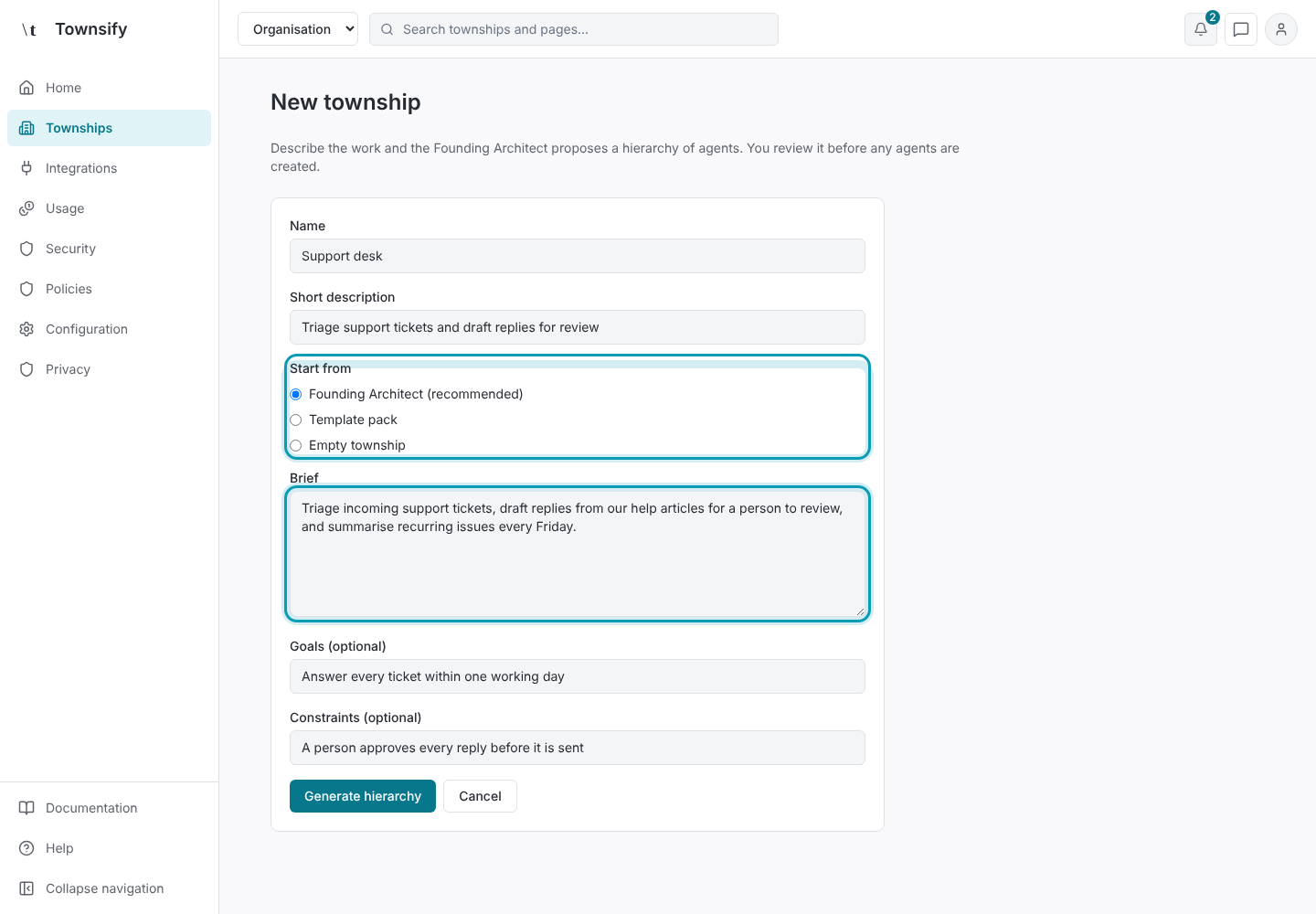
Choose Founding Architect and write the brief, goals and constraints, or choose Empty township if you want to add agents yourself.
Illustrative dataFounding Architect selected, with the brief written. Review the proposed agents
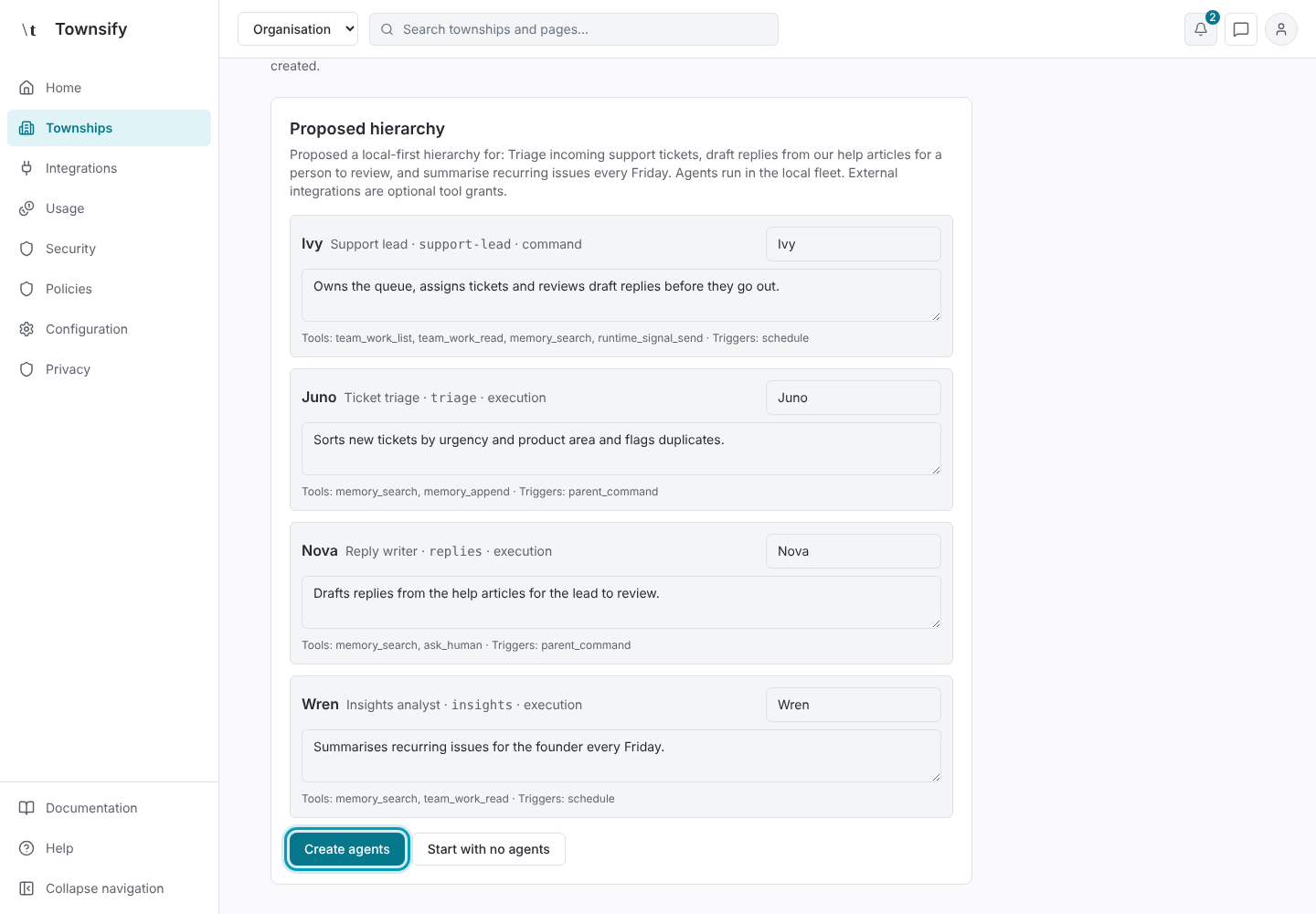
Review the proposed agents, responsibilities, reporting lines and tools. Confirm the proposal only when those definitions match the intended work.
Illustrative dataThe proposed hierarchy, with Create agents outlined. Inspect the roster
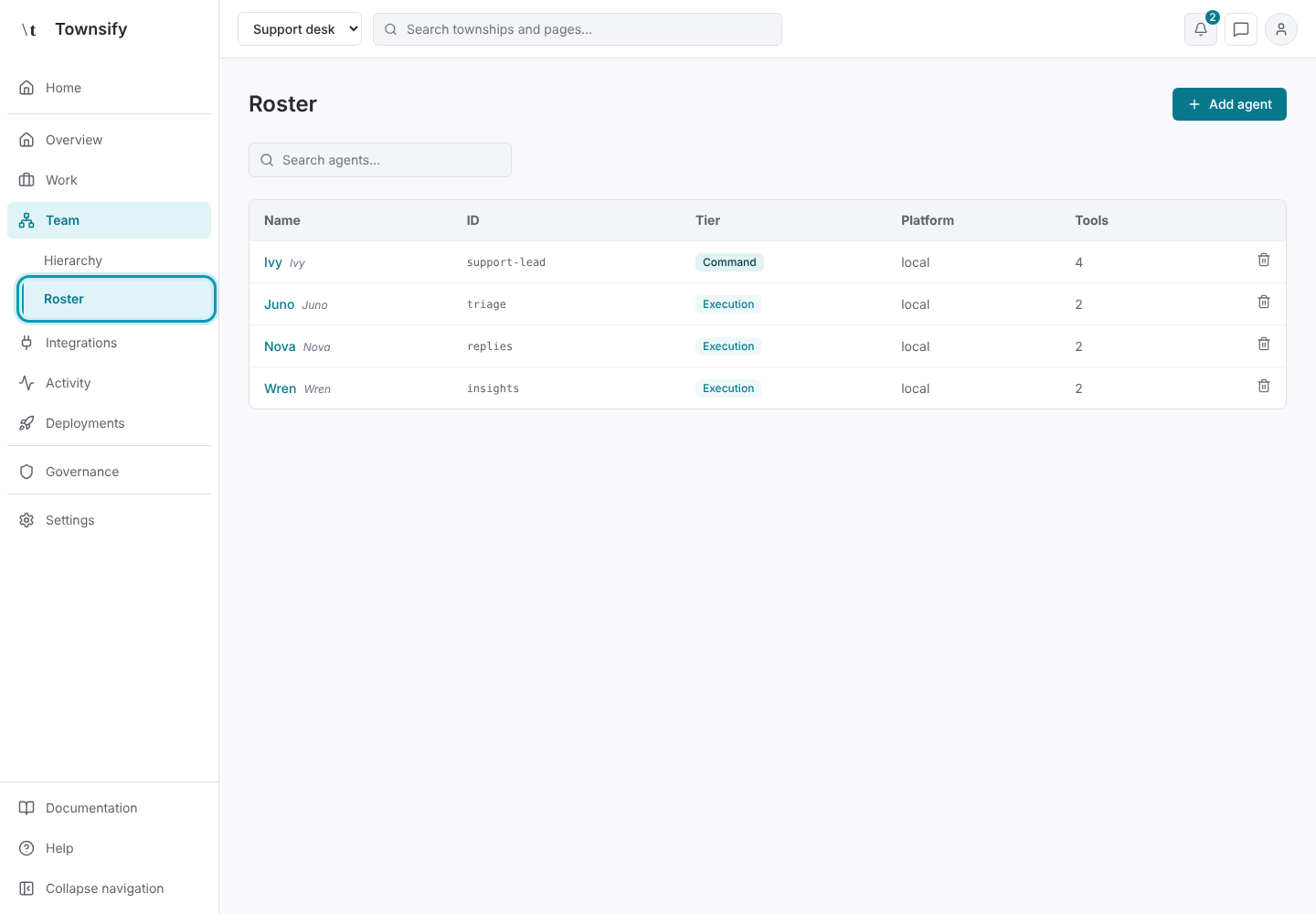
Open Team → Roster to inspect the agent list. Use Configuration to adjust each agent's tools and triggers.
Illustrative dataRoster, listing the new township's agents. Deploy the township
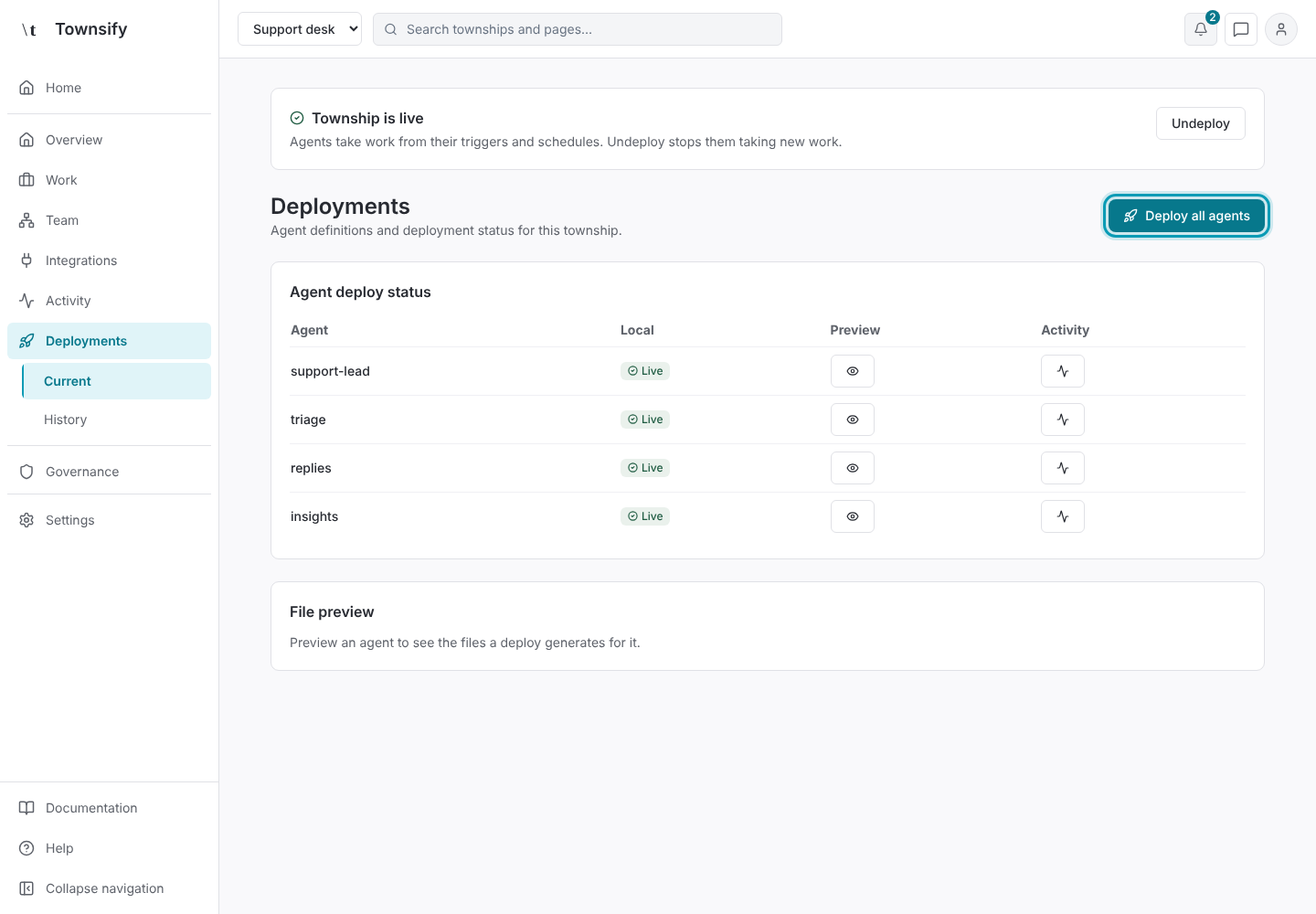
Deploy the township when the definitions are ready. Check local deployment state and the runtime's pause state.
Illustrative dataDeployments, with Deploy all agents outlined. Check model access
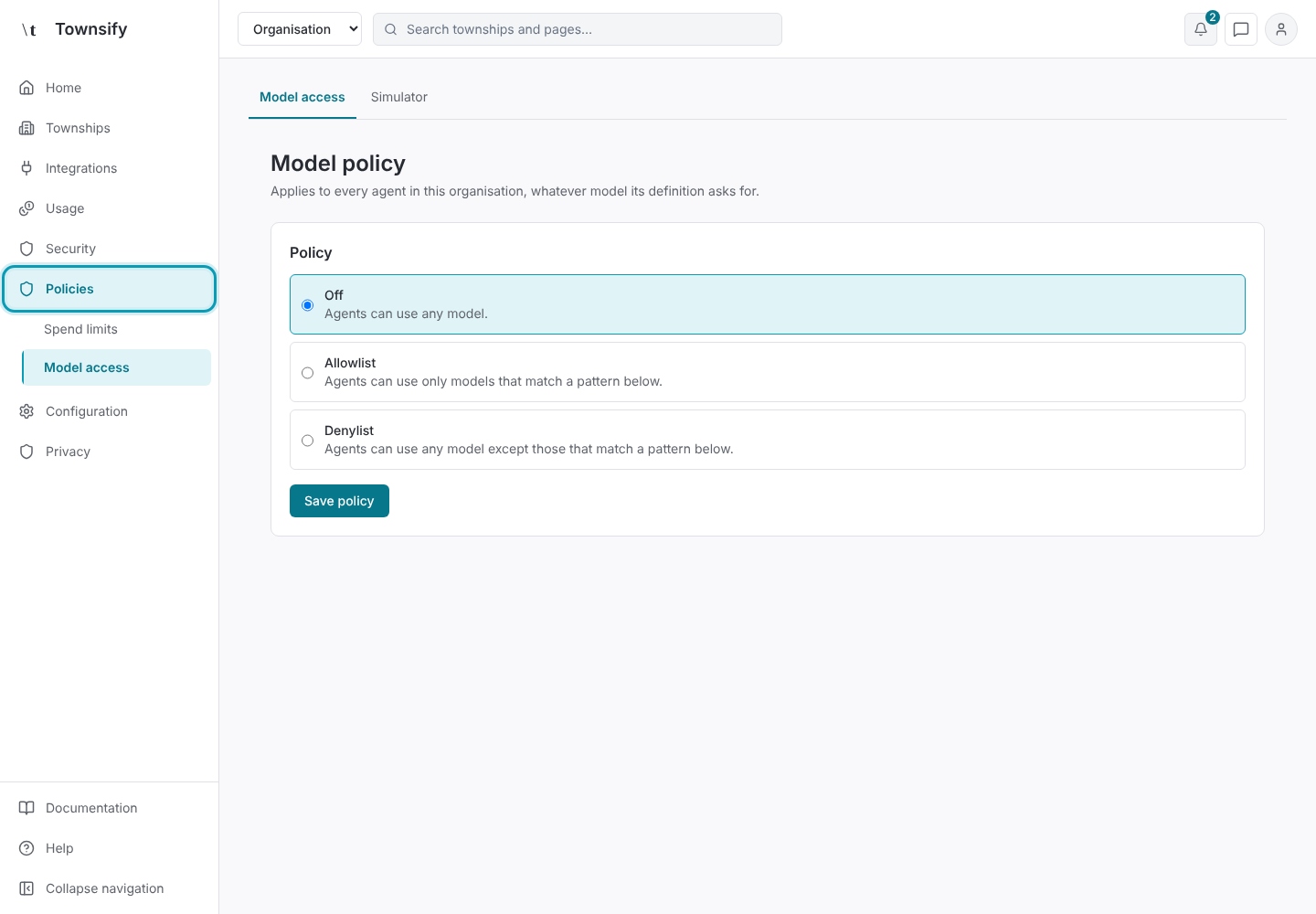
Before asking agents to execute model work, check model capacity or model credentials and the organisation's model and spend policies. Project integrations remain optional.
Illustrative dataThe organisation's model access policy. Follow the work
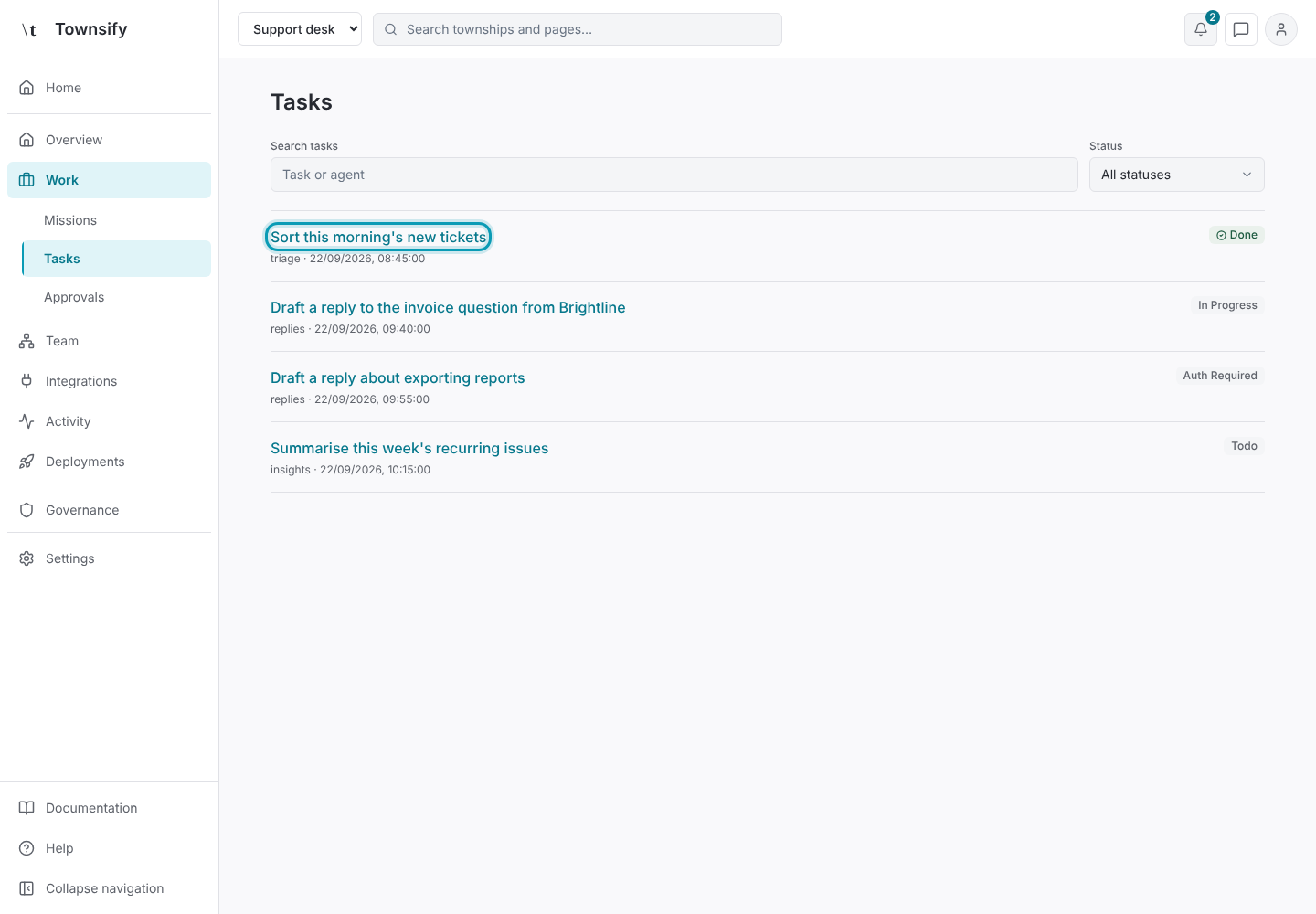
Open Work → Tasks to inspect recorded work and its journal. Use Home in the navigation to return to the organisation.
Illustrative dataTasks, with a finished task outlined.
Need more help?
Open Mysaria from the console header to ask about the page you're on, or send work to an agent in your township.