Townsify documentation
Use these guides to set up a township, give agents the access their work needs and inspect what happened.
Jump toMissionsConnectionsApprovalsAgent configuration sectionsCoverage
Start with a task
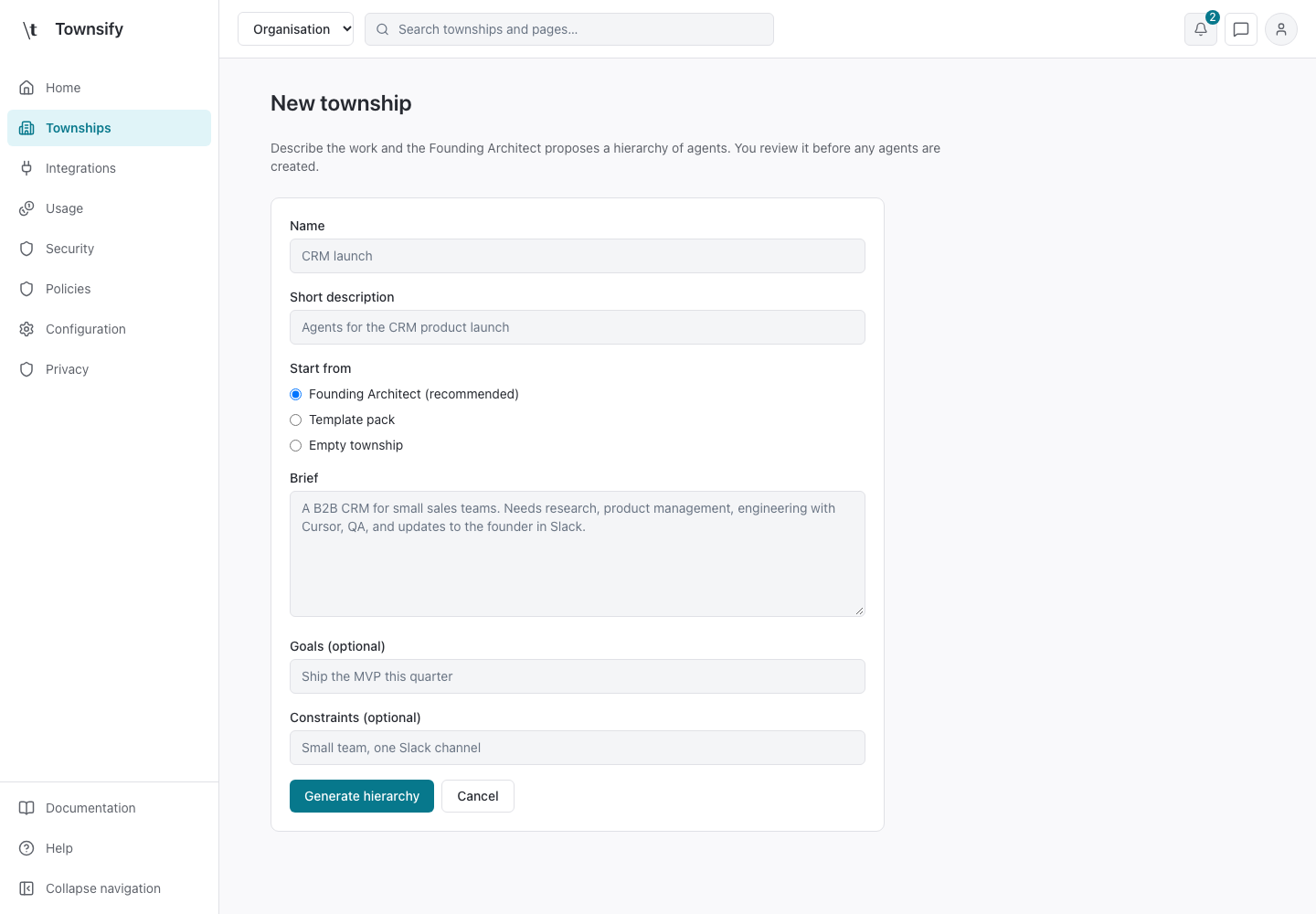
Create a township without project integrations
Set up agents, reporting lines and tools from a brief. No repository or project tool is needed.
Give an agent access to a service
Connect a service, scope its resources where supported and grant an agent only the tools its work needs.
Authorise internal work without a provider
Authorise a mission for internal work only. External provider calls are refused.
Review an action before approving it
Check the exact request and the authority it would use before you approve it.
How Townsify works
Each township has its own hierarchy, definitions, tasks and operational evidence. Its agents run in the embedded fleet. Project tools such as GitHub are optional integrations. Model execution still needs available model capacity or credentials.
Mission support and limits
What a mission can authorise today and where its enforcement stops.
Township definitions and storage
Where agent definitions and their history are stored, and what the optional repository settings do.
Authority and effect verification
How grants, resource policy, connections and missions differ, and what a verified effect means.
Console reference
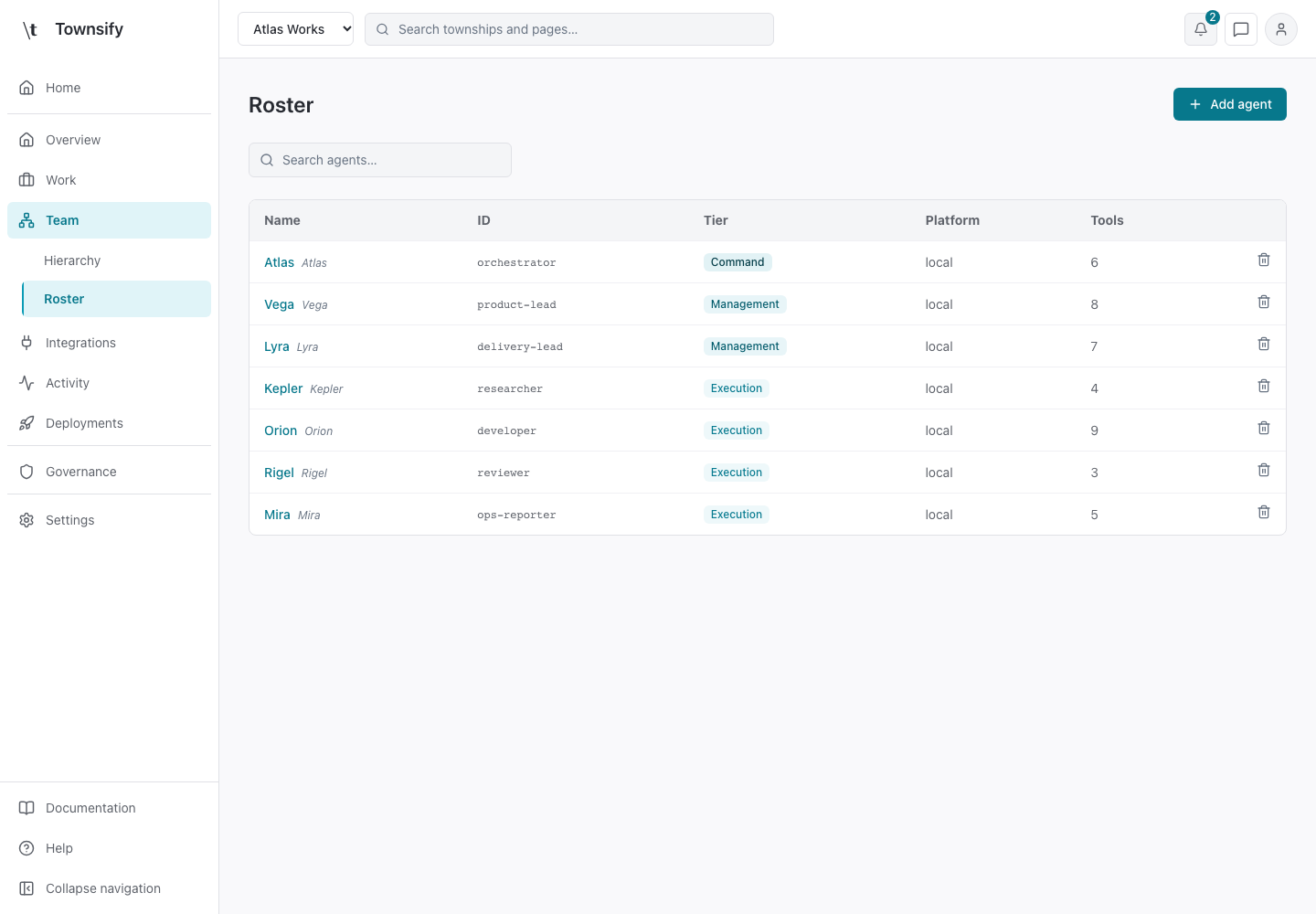
Pages follow the console's navigation. Each one describes the screen's controls, scope and limits.
Township pages
Overview
1 pageTownship Overview summarises the selected township's operating state and work that needs attention.
Work
12 pagesTeam
8 pages3 more pages
Integrations
4 pagesActivity
7 pages2 more pages
Deployments
3 pagesGovernance
10 pagesSettings
4 pagesOrganisation pages
Home
1 pageHome is the entry point to your organisation.
Townships
2 pagesIntegrations
3 pagesUsage
2 pagesSecurity
9 pagesPolicies
3 pagesConfiguration
3 pagesPrivacy
3 pagesAccount and chat
Need more help?
Open Mysaria from the console header to ask about the page you're on, or send work to an agent in your township.